SimNEC
for
Interactive RF Circuit Analysis
Please Join the discussion forum at: groups.io/SimSmith
Circuit Analysis Displays
Smith ... SWR ... Power ... Wave
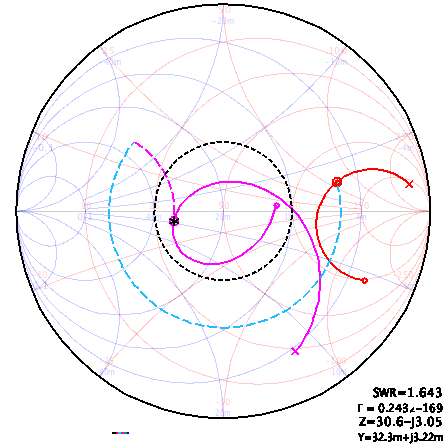
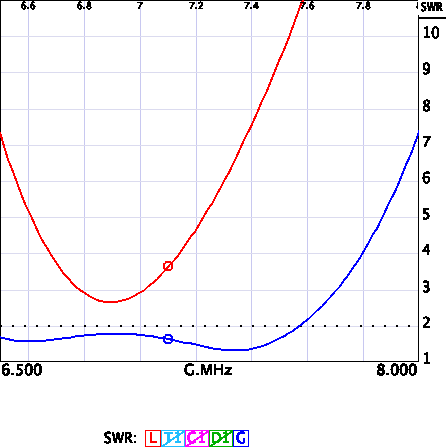
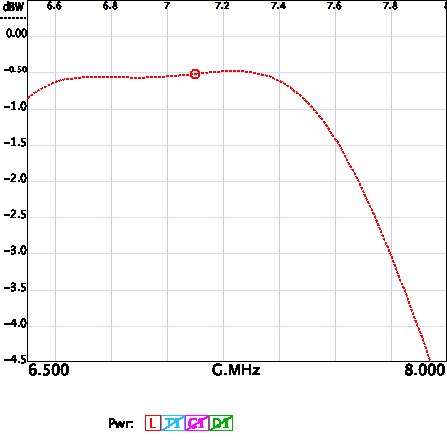
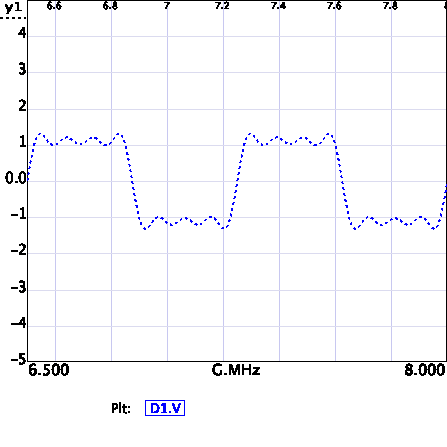
NEC Displays
Sketch....Physical...Field...System
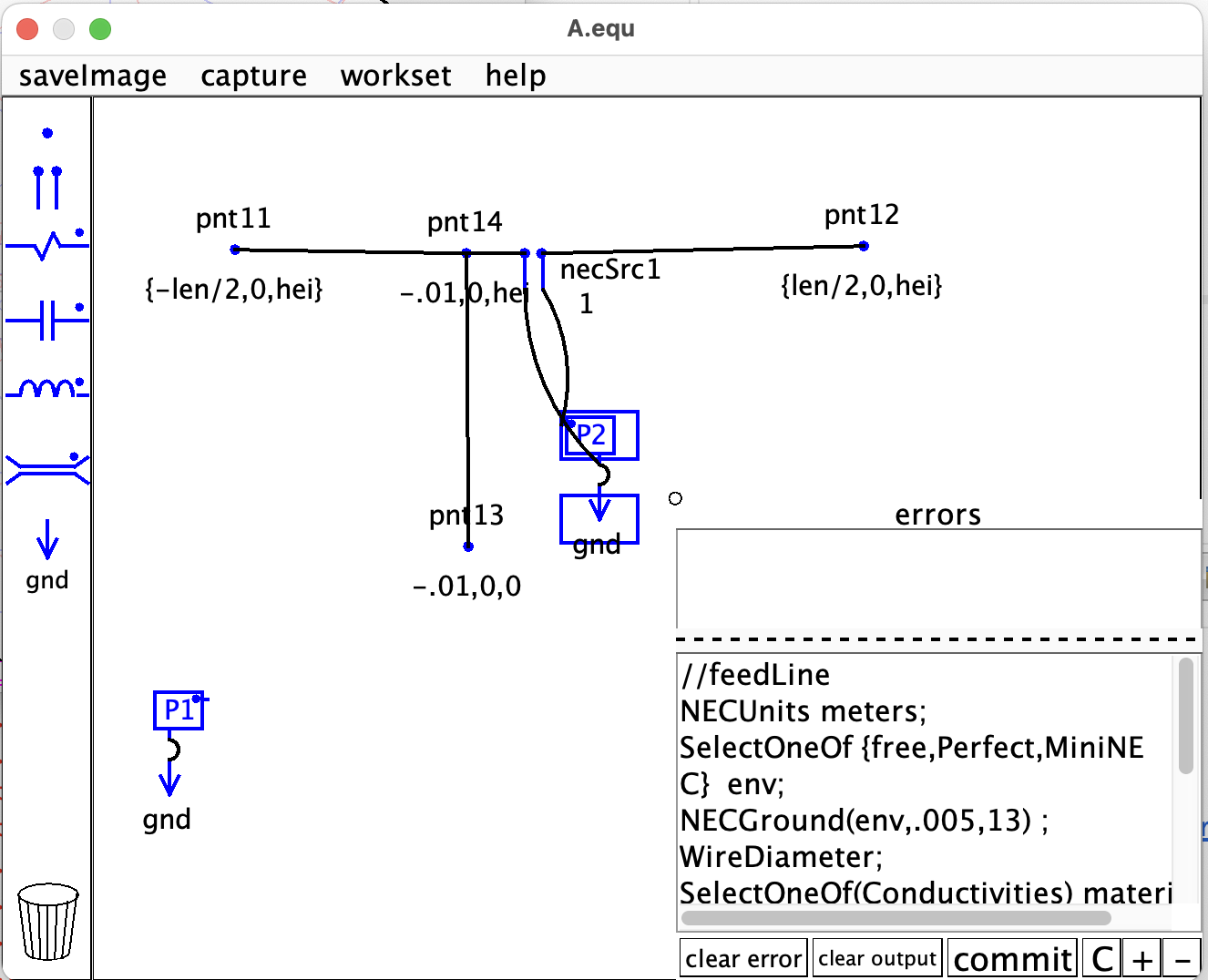
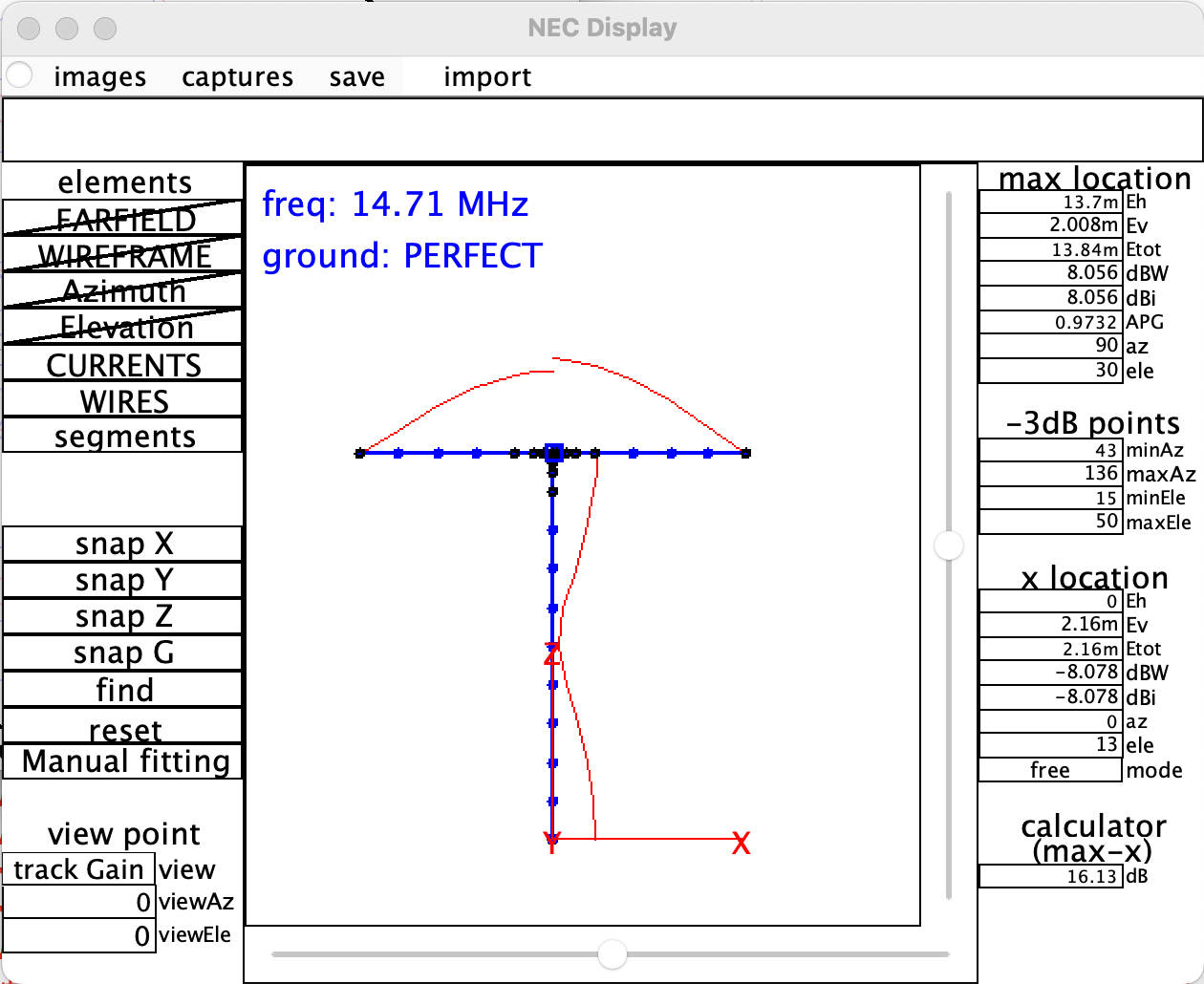
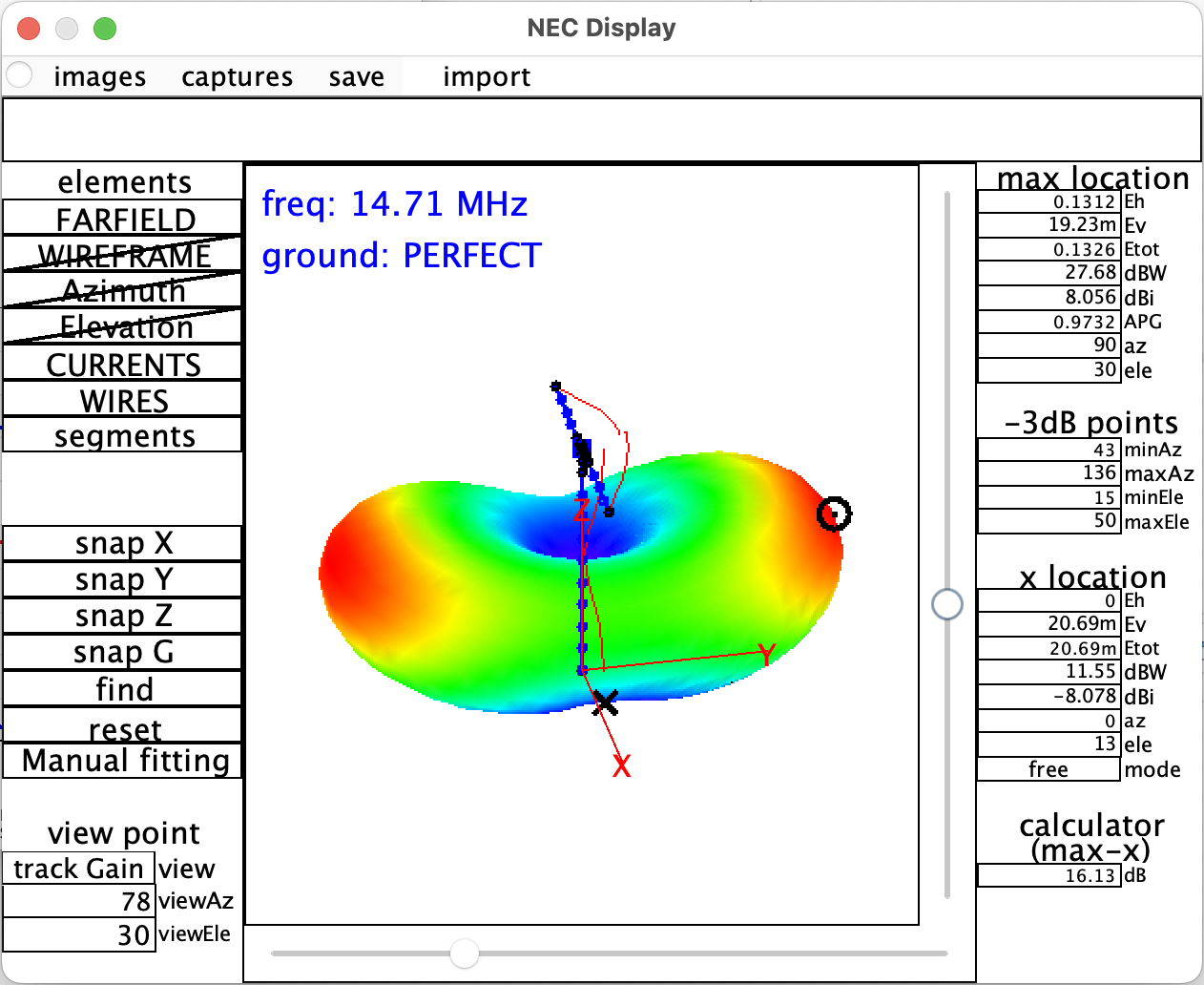

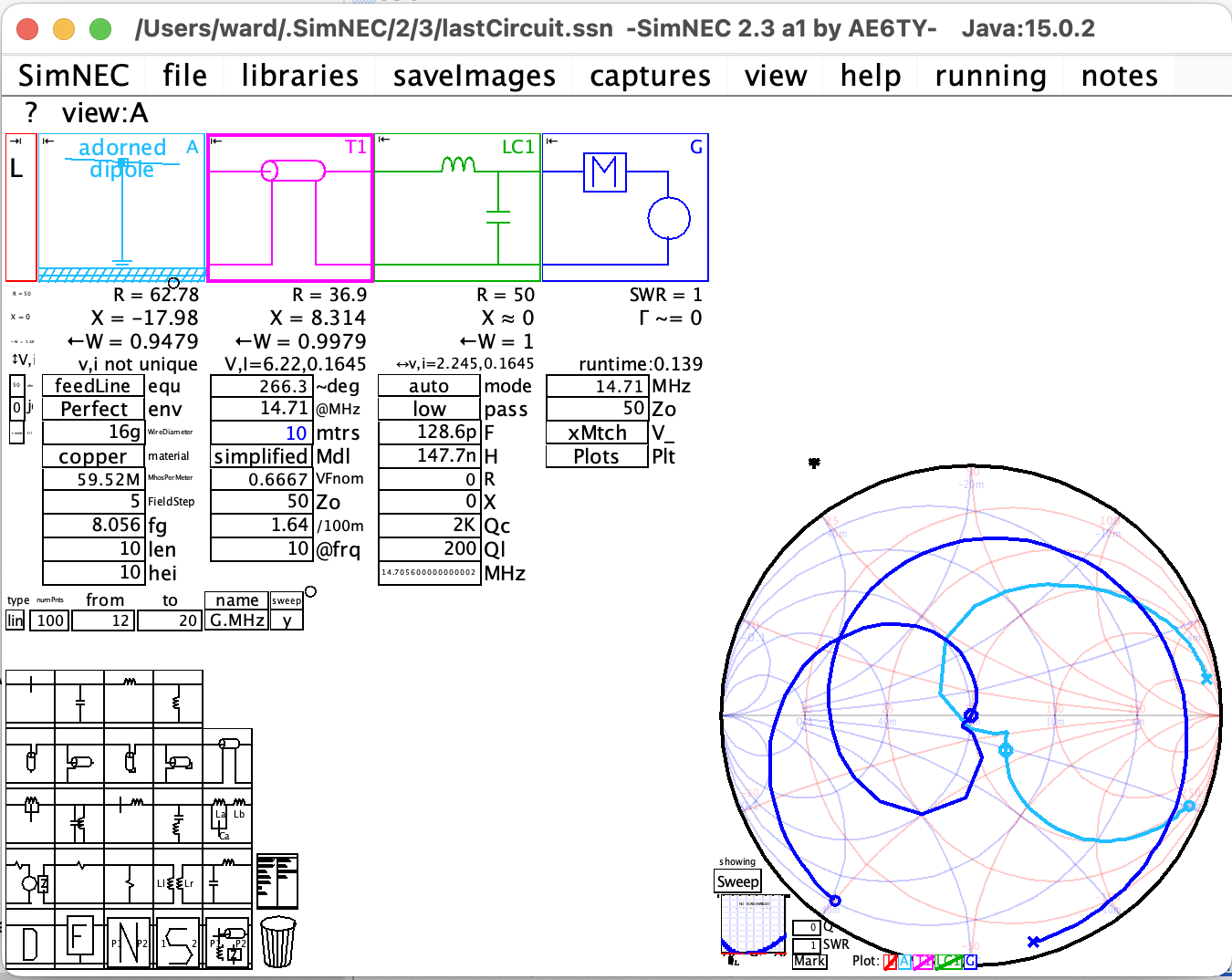
Capabilities
The quickest way to understand SimSmith's capabilities is to view an introductory video.
(Sorry about the sound quality.)
Move videos can be seen at =>
and more movies at the sites below
SimSmith was written in Java using the Eclipse IDE. Packaging and profiling utilities are provided by ej-technologies.
SimNEC Is An Evolving Program.
This means that over time, basic operation can change. Changes are made for a variety of reasons: adding functionality, fixing bugs, making things 'consistent' across subsystems, making things 'intuitive' for the user, meeting industry standards and/or expectations, etc.
These changes can cause considerable angst, particularly when attempting to follow along while watching a video. If you run into this problem I appologize. Please access the help menu, refering to the 'SimSmith' manual, the 'recent changes', or the 'release notes'. I try to at least say that something has changed and occasionally say why.
Beta Release For those interested in (and tolerant of) the latest (more or less) stable release. PLEASE NOTE I NO LONGER code sign macOS images.
Complete Release The complete release folder with PDFs and checksums and a few notes. Things go here after a 'Beta' has been stable a long while.
The most commonly downloaded files are below.
Clicking on one of these will take you to a dropbox download. Click on your browser 'back' button to return here after download.
Download OSX Universal Binary .dmg file. PLEASE NOTE I NO LONGER 'codesign' the macOS images.
Download Windows 64 installation .exe file. Video demonstrating installation.
Download Linux Must have java JRE version 15 or newer already installed. Video demonstrating installation.
SimNEC.jar Must have java JRE version 15 or newer already installed.
Complete distributions are available from folders in my dropbox. Each distribution contains installation packages for Windows, MAC, or Linux as well as the basic '.jar' file executable. After installation, all manuals and release notes are available from within SimSmith starting at 'help' pulldown menu item. Additionaly, each dropbox folder contains a 'pdfs' subdirectory which also contains the up to date manuals as well as legacy manuals for earlier versions.
A Typical Dropbox Directory is:
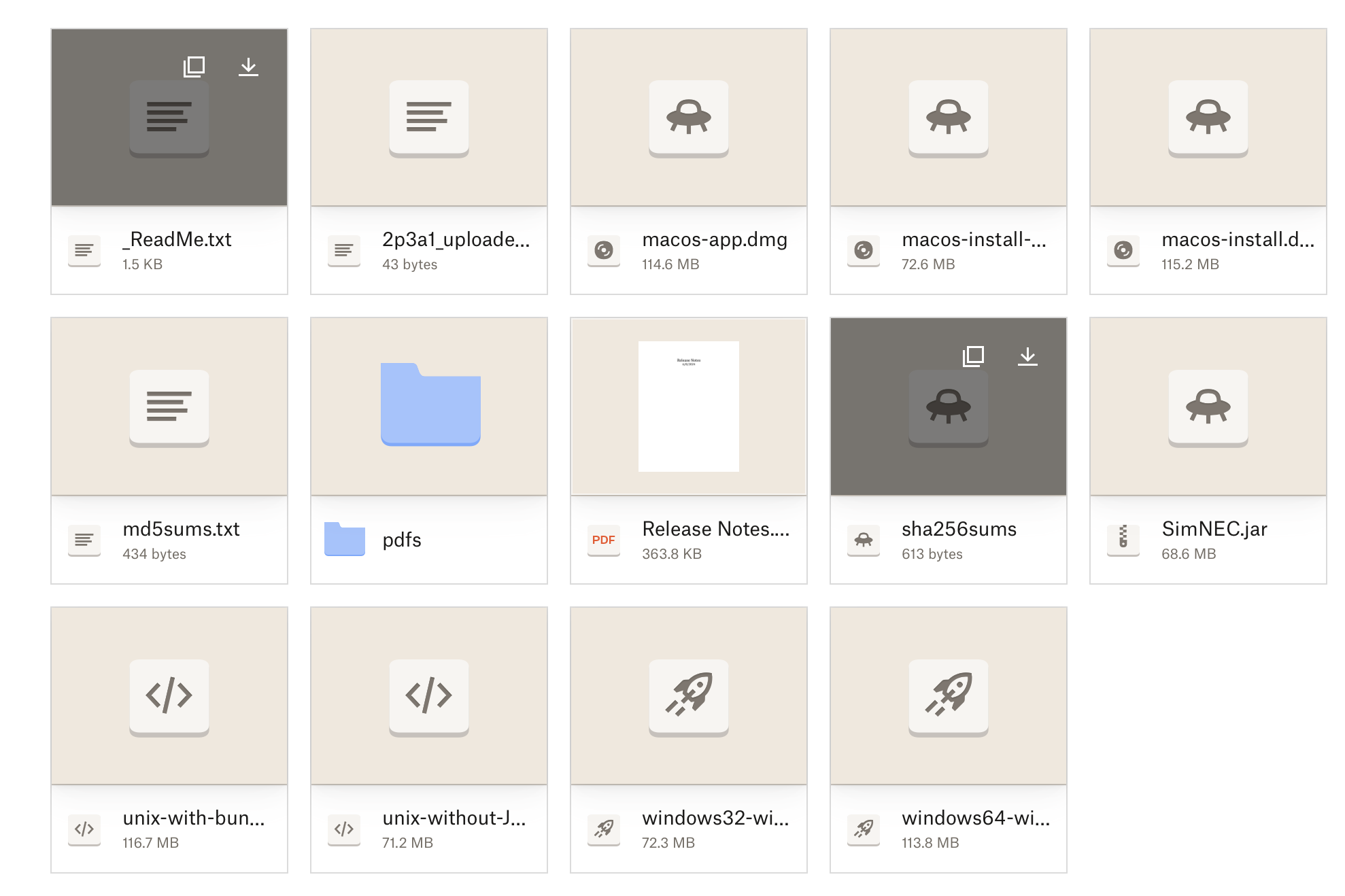
Actual contents may vary between major releases. In general:
- _ReadMe.txt lists the contents of the directory.
- ReleaseNotes describes the important bug fixes and features changes.
- 'pdfs' are the documentation. The contents of 'pdfs' are also available under 'help' when using SimNEC.
- the various executables for Windows, OSX, and linux. Some are bundled with a JRE. I recommend using one with a bundled JRE if possible.
Version numbers in SimSmith have a 'major' number, a 'minor' number, and a build designation which are lower case letters with a digit. A typical version number would be "2p3a1". A change in the major number indicates a significant enhancement. A change in the minor number indicates a change which may cause a backward compatibility issue. A build letter change indicates a feature addition or bug fix. A change in the digit after the letter indicates a debugging cycle.
At present, several versions of SimSmith/SimNEC are available. If you are following a video and want to use the SimSmith release closest to that used in the video, look at the top of the screen to see the version of SimSmith being used and then choose between older versions.
The most stable release of my software is SimSmith 18.4 which has not been changed for many years.
If you are getting started, I strongly recommend starting with SimNEC. It has many advanced analysis capabilities, runs significantly faster, and has much better 'usability' support.
Links to complete Dropbox directories. Contents of dropbox varies by release.
SimNEC Dropbox folder holding all executables and documentation for the latest SimNEC.
18.4 Useful when following older videos. NOT RECOMMENDED FOR NEW USERS.
15.1 Useful when following along older videos.
This software is 'signed' for OSX but not Windows. As a result, you have to tell Windows to ignore various warnings.
Again, please also consider joining the SimSmith group at SimSmith@groups.io